Wireless Charging Pad, Stand or Station?
Same physics, different shapes: match the charger to where you use it.
Speed and HeatThe physics is the same in every wireless charger; the shape is what changes how you live with it. Here is how a wireless charging pad compares with a stand, a multi-device wireless charging station and a car mount.
Wireless Charging Pad
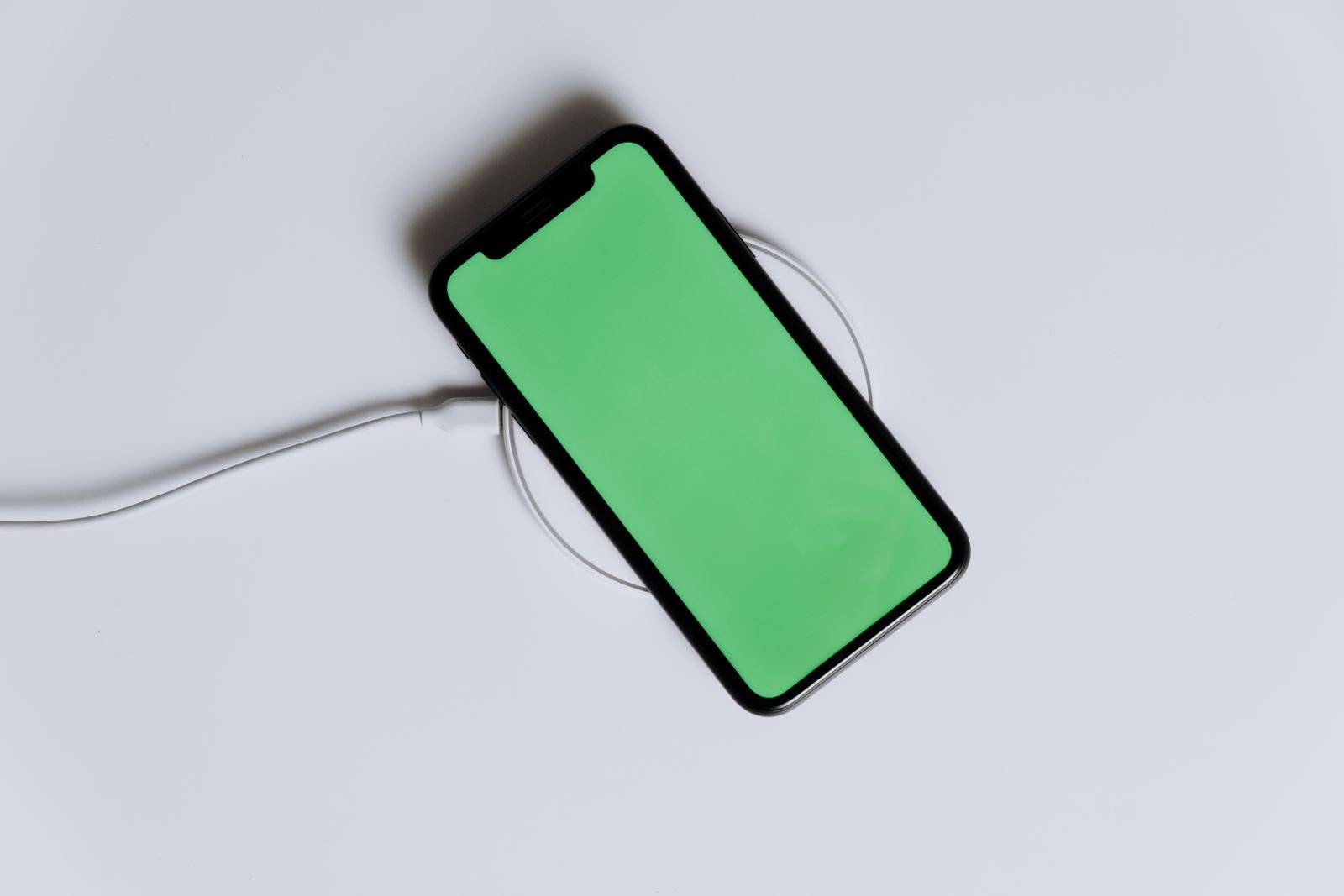
A flat wireless charging pad is the simplest form: a disc or square with a coil inside. You lay the phone face up on top.
- Good for: nightstands, desks, places where you set the phone down and leave it.
- Watch out for: alignment on non-magnetic pads; a phone that slides off-center charges slowly or not at all.
- Tip: a pad with a slightly grippy surface or Qi2 magnets keeps the phone in place.
Wireless Charging Stand
A stand holds the phone upright or at an angle, usually with two coils or a tall coil area so it charges in portrait and sometimes landscape. You can read notifications, take a video call or use the phone as a bedside clock while it charges. Stands suit desks and kitchens; they can be less stable if you knock the phone often.
Multi-Device Wireless Charging Station
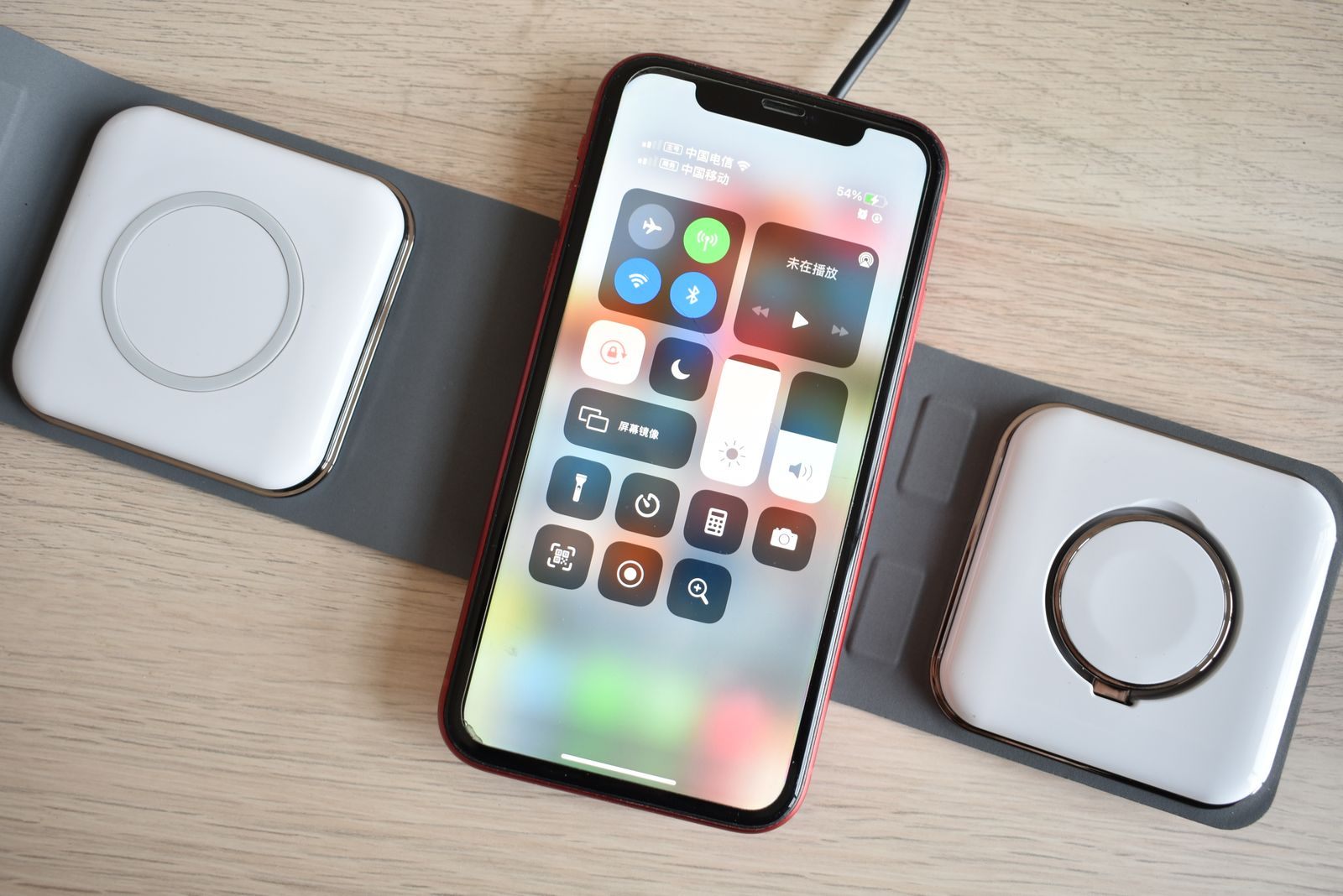
A wireless charging station combines spots for a phone, earbuds and a watch on one base, often folding or tiered. It cuts down on cables at a bedside or entryway. Before choosing one, check:
- that each spot is certified for the device you plan to put there (watch chargers in particular may be proprietary);
- that the included adapter supplies enough power for all devices charging at once;
- whether the phone spot is magnetic (Qi2) or a flat coil you must line up.
Car Mounts and Public Charging Spots
Wireless car mounts hold the phone in view for navigation while it charges; magnetic versions are easier to use one-handed, but always set up the phone before you drive. Some cars include a wireless charging tray in the console. Phones can get warm in a car on a sunny day, and many will slow charging to protect themselves.
Public places such as cafes and airports sometimes build charging spots into tables. They work the same way — center the phone or use a magnetic case — but keep an eye on your device.
Quick Comparison
| Type | Best for | Trade-off |
|---|---|---|
| Pad | Nightstand, desk drop zone | Needs good alignment unless magnetic |
| Stand | Desk, kitchen, video calls | Takes more space; phone must sit on the ledge |
| Station | Phone + earbuds + watch | Needs a strong enough adapter; check each spot |
| Car mount | Navigation while driving | Heat in a hot car slows charging |
Pad and Station Questions
Is a stand better than a pad?
Neither is better in general. A stand keeps the screen visible and lets you use the phone while it charges; a pad is compact and stable on a nightstand. Choose by where and how you use it.
Can one wireless charging station charge three devices at once?
Yes, multi-device stations have separate coils or chargers for each spot. Check that the wall adapter supplies enough total power for all of them at once.
Why does my phone stop charging on the pad at night?
Common causes are the phone sliding off-center, a vibration from notifications moving it, a case that is too thick, or the charger pausing because of heat. A magnetic charger or a stand with a ledge helps.
Why Is Wireless Slower, and Why So Warm?
Alignment, cases, adapters and heat: what really sets wireless charging speed, and how to keep it efficient.
Speed and Heat Explained